Computational Design
Manufacturing
Tools & Plugins
Configurators
Learn
All Stories
Try Marketplace ↗
Try Marketplace
Try BeeGraphy
Search
Trending:
Computational Design
·
Custom Manufacturing
·
Tutorials and How-To
·
Workflow Automation
BeeGraphy Blog
Featured
Featured
Create Parametric 3D Models in Beegraphy using TypeScript Node and Claude.ai
Write your own logic with TypeScript nodes and extend BeeGraphy beyond its built-in node library.
December 10, 2025
Featured
Parametric Art: How Rules and Variables Are Becoming the New Canvas
How artists use parametric tools to create generative work where every parameter becomes a creative choice.
December 4, 2025
Featured
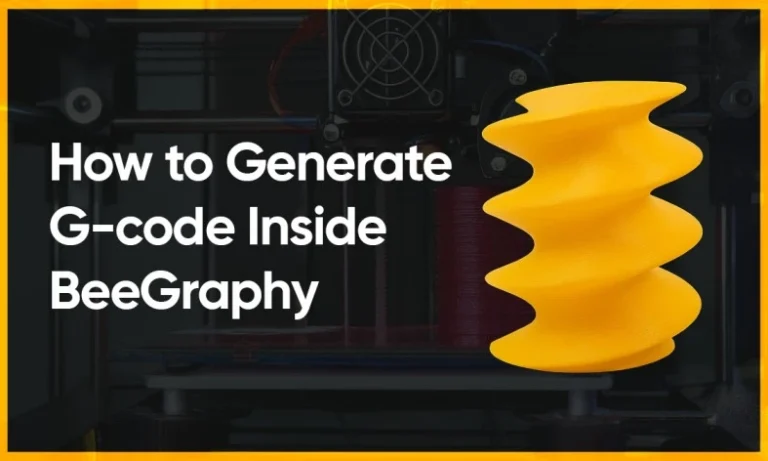
How to Generate G-code Inside BeeGraphy
A beginner-friendly look at G-code: what it is, how machines read it and how BeeGraphy generates it from your designs.
November 21, 2025
Beegraphy Editor
,
Featured
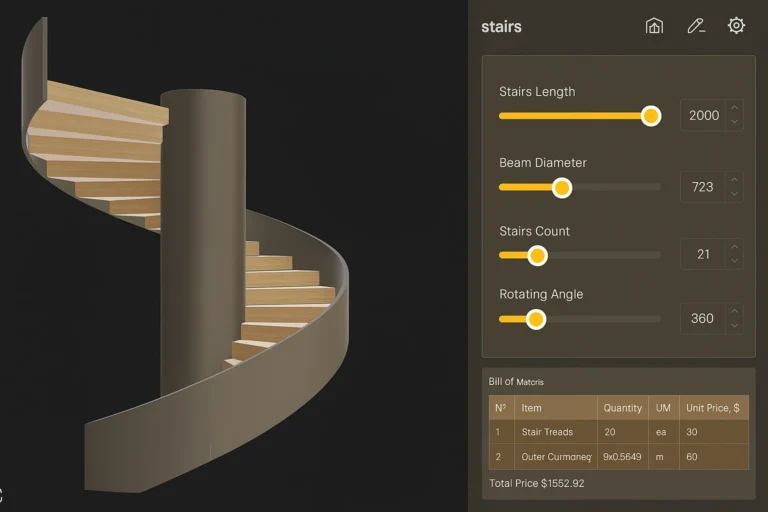
How BeeGraphy’s Parametric Workflow Instantly Generates Accurate BOMs
Generate a live bill of materials straight from your parametric model so parts, quantities and costs update with every change.
November 14, 2025
3D Modeling Industry
,
Beegraphy Editor
,
Computational Design
,
Computational Design Careers
,
Custom Manufacturing
,
Facade Design
,
Featured
Facades of the Future with BeeGraphy and Nano Banana
Combine AI image generation with parametric modelling to explore facade concepts faster.
November 4, 2025
3D Modeling Industry
,
Beegraphy Editor
,
Case Study
,
Computational Design
,
Computational Design Careers
,
Design Innovation
,
Featured
,
Parametric Modelling & Design
The idea of computational design and its Vision in the Automotive Industry
A look at the computational thinking behind BMW's Vision concepts and what product designers can learn from it.
October 27, 2025
Beegraphy Updates
,
Developer and Creator Features
,
Featured
,
Parametric Tools
Design to Fabrication Empowered – October 2025 Update
New in BeeGraphy for October 2025: features, workflow improvements and fixes.
October 14, 2025
Beegraphy Editor
,
Featured
How Do Sliders Make Parametric Design Faster and More Flexible?
Everything about sliders in BeeGraphy: how to set ranges, steps and defaults so your models stay easy to control.
September 26, 2025
Featured
File Formats Explained for Makers: The Essential Guide to STL vs DXF vs OBJ
A guide to 3D and fabrication file formats, and which ones to use when exporting from BeeGraphy.
September 10, 2025
Load more stories